Developer integration checklist
Use this checklist when a developer is connecting a product backend, frontend, CLI, or automation system to Switera.
1. Choose the app boundary
Confirm the app before copying keys, configuring callbacks, or testing hosted flows. Each app has its own credentials and service settings.
Use separate apps when:
- products have different user populations
- environments should not share keys
- Auth provider settings are different
- webhook receivers are different
- audit and support ownership should be separated
2. Use the correct credential type
Open Developer > API Keys and use the key type that matches the integration.
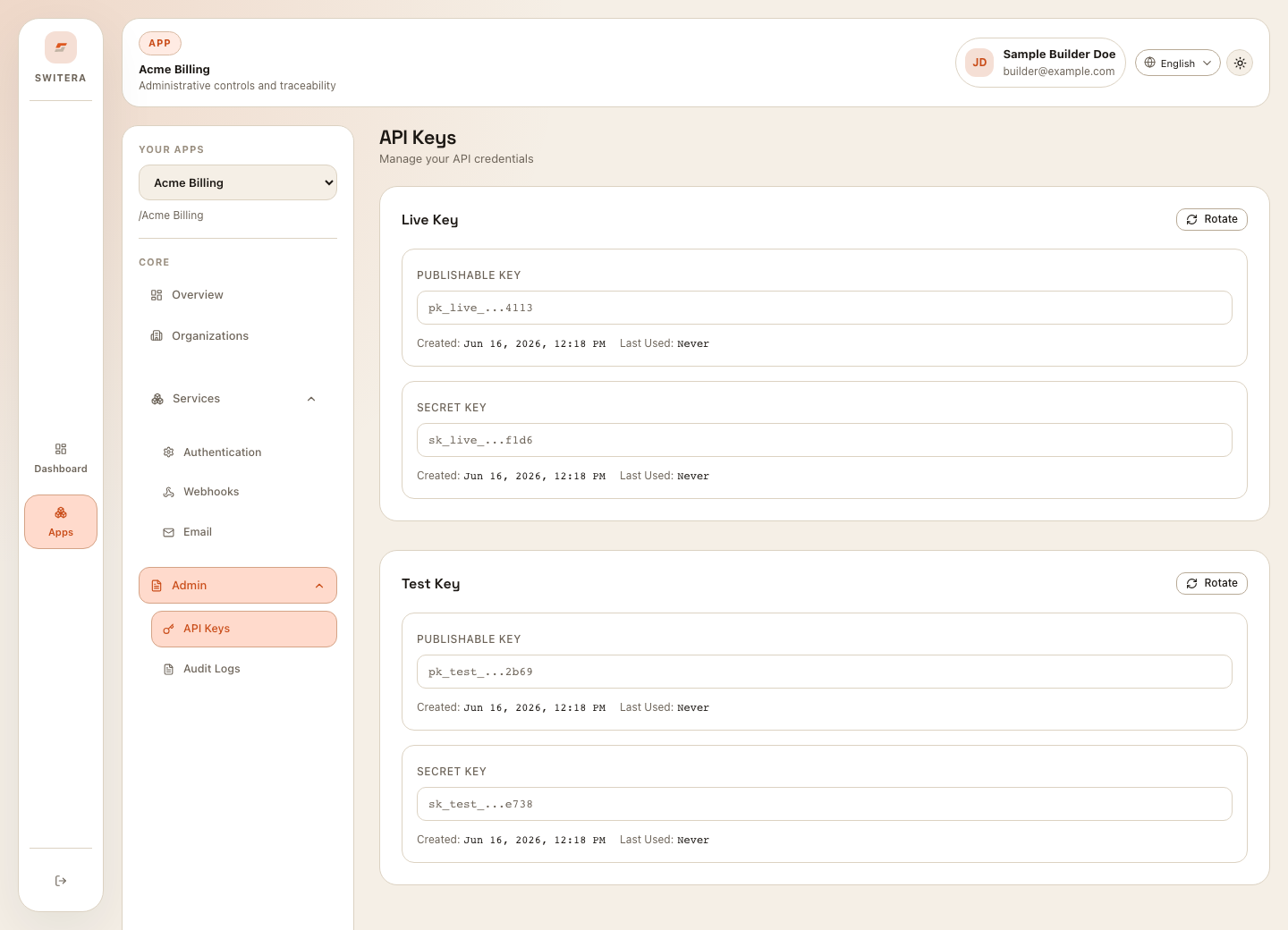
Rules:
- never put secret keys in browser code
- store secret keys in your secret manager
- keep test and live keys separate
- rotate keys after accidental exposure
- review audit logs after key changes
3. Rotate keys carefully
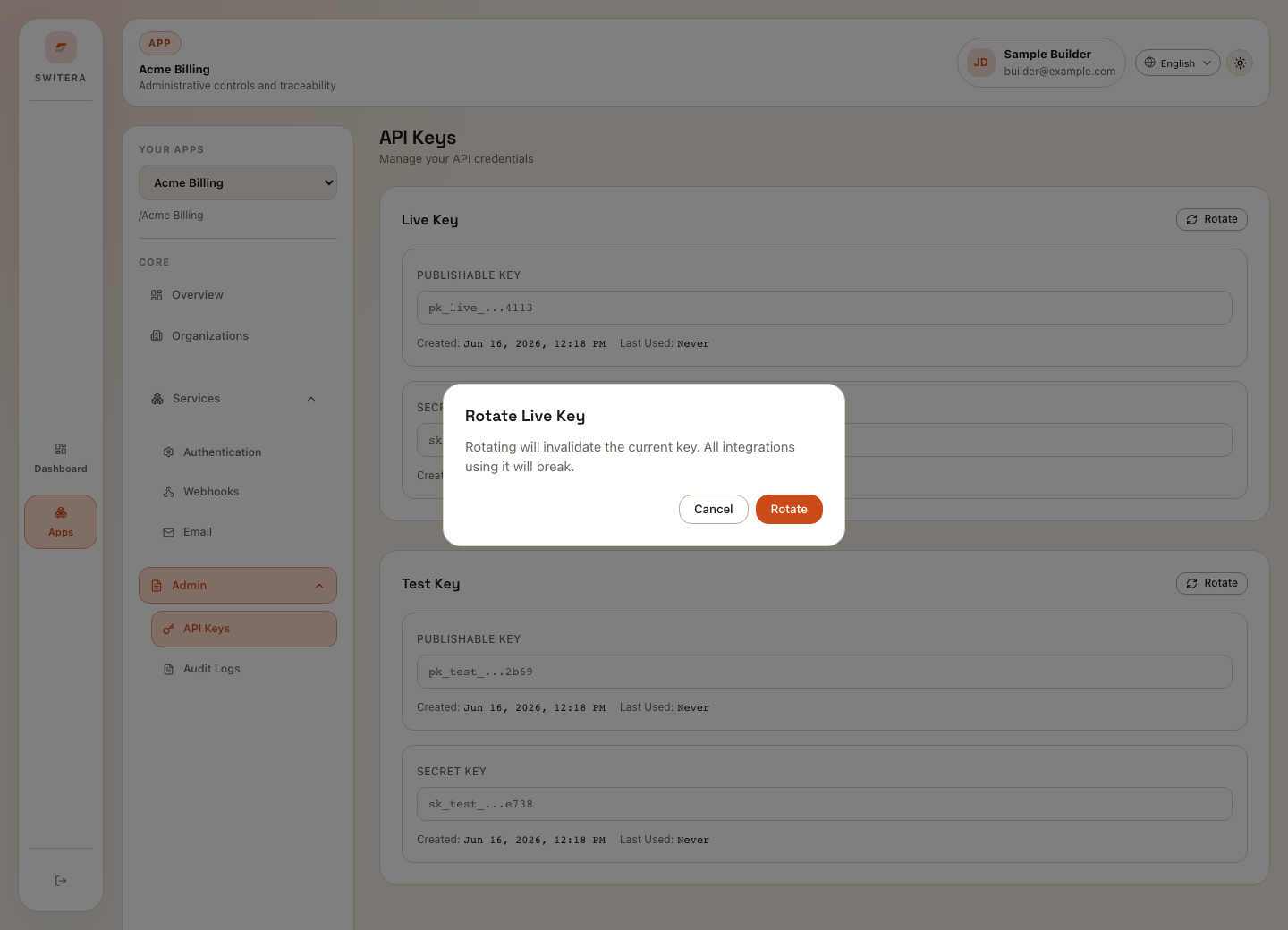
Safe rotation pattern:
- Identify every service using the current key.
- Schedule a maintenance window if the key is production-facing.
- Rotate the key.
- Update secret storage.
- Restart or reload dependent services.
- Run a smoke test.
- Review logs and audit events.
4. Configure redirects and hosted flows
For OAuth, Connect, and hosted Auth flows, register only the callback URLs your product owns. Avoid broad wildcard callbacks unless your security review explicitly allows them.
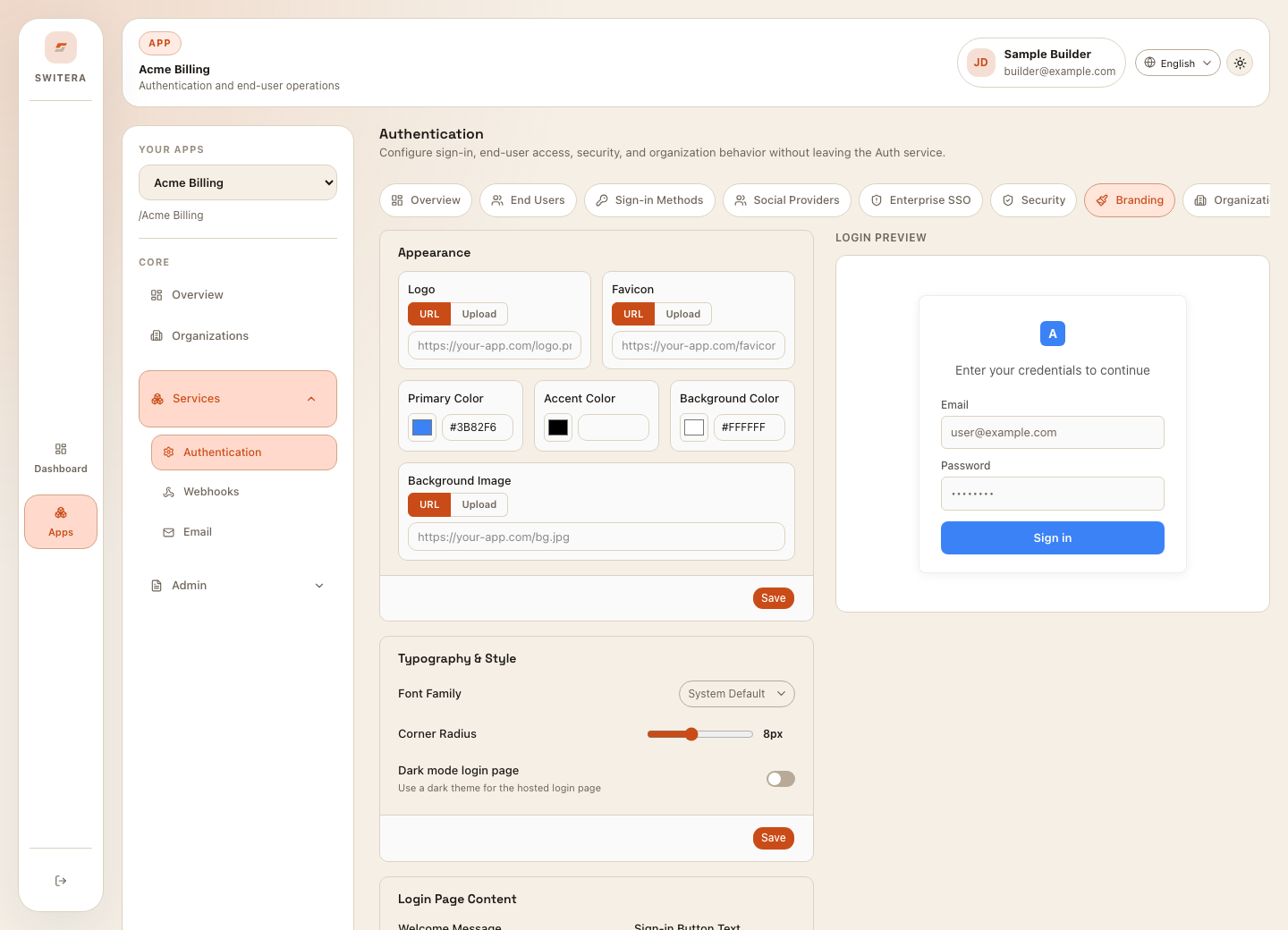
Test:
- login redirect
- registration redirect
- recovery redirect
- invitation continuation
- failed provider callback
- mobile browser behavior
5. Support device or CLI authorization
Device authorization lets a tool ask the user to approve access in the browser.
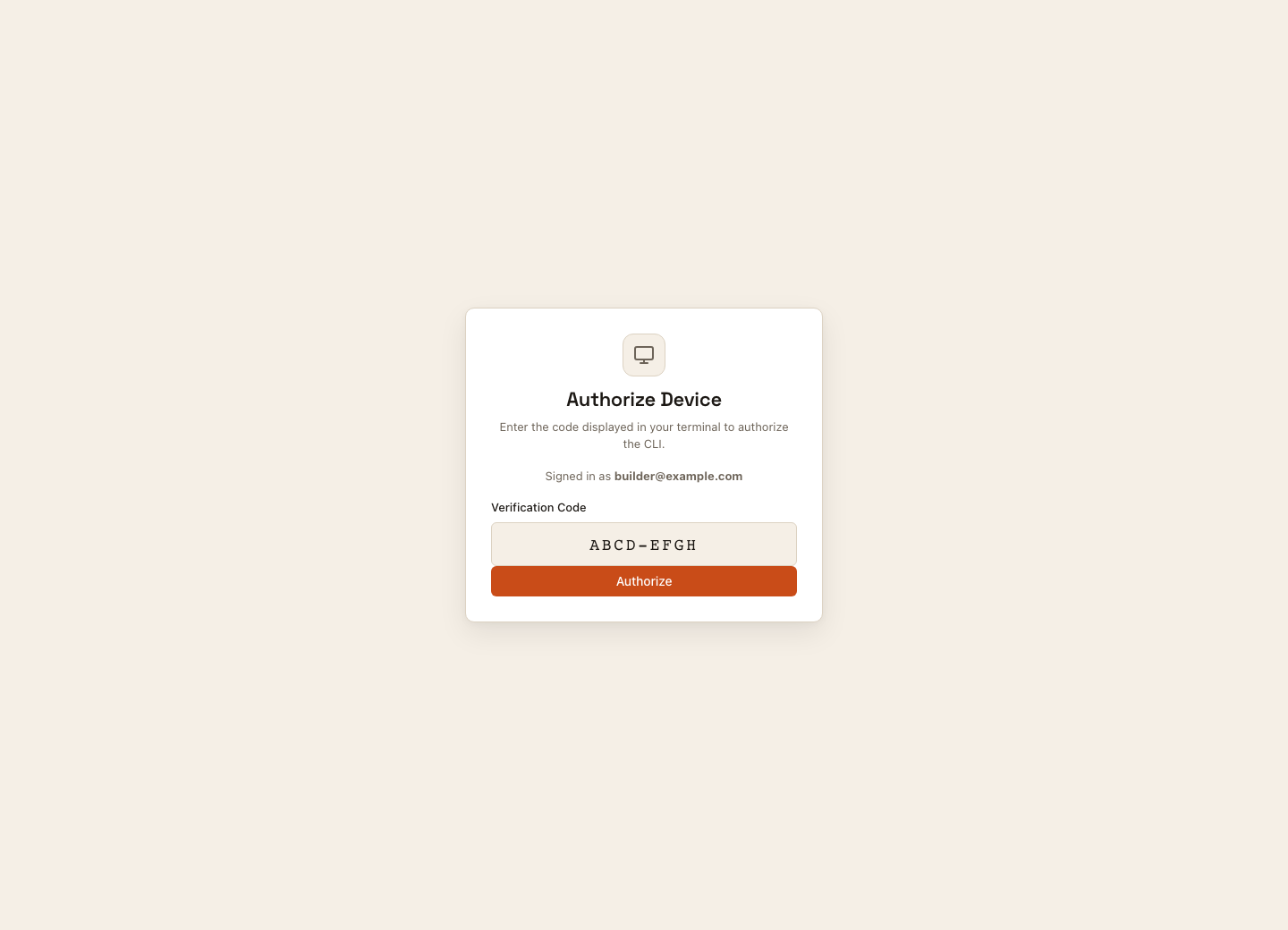
Checklist:
- the CLI displays a clear authorization URL
- the browser flow requires sign-in
- the code expires
- the CLI reports success or failure clearly
- revoked or expired codes cannot be reused
6. Connect webhooks after the receiver is ready
Do not subscribe to production events before the receiver can validate signatures, handle duplicates, and return quickly.
Use Test sends and delivery debugging before relying on webhook events.
7. Add operational checks
Before launch:
- run a login smoke test
- create and invite a test organization member
- import a small test user list if imports are used
- send one email test
- send one webhook test event
- call a backend API with the secret key
- review audit logs for the setup activity
8. Keep public docs and support threads clean
Never paste:
- secret keys
- raw access tokens
- private callback secrets
- real user exports
- full webhook payloads containing personal data
- internal deployment hostnames
Use masked values and sample IDs when sharing examples.
9. Handle account errors in your product
Connect account endpoints return structured errors:
{
  "error": {
    "code": "EMAIL_ALREADY_EXISTS",
    "message": "An account with this email already exists. Try signing in instead."
  }
}
Use the HTTP status and error.code for application decisions, not an exact
match on message text. Render error.message as text, never as HTML. Connect
registration returns 422 for known account and password-policy validation
errors. Unexpected registration failures return 400 with BAD_REQUEST and
safe sign-in/reset guidance. The widget registration endpoint retains its
400 / BAD_REQUEST contract for validation failures.
Offer a sign-in action for an existing account, show password requirements beside the password field, and let users request a new verification email when a code expires. A failed social sign-in should offer a fresh attempt or another enabled sign-in method. Do not automatically repeat account creation, payment, or other state-changing requests after an ambiguous failure.
Do not expose exception stacks, request credentials, or raw dependency responses from your own backend. Use a safe fallback for an unrecognized or malformed response and keep diagnostic information in access-controlled server logs.
10. Validate the whole SaaS journey
A successful login is only one checkpoint. For every service your product uses, record the actual result, not just whether its configuration page opens:
- Complete Google/GitHub sign-in through the real provider and return to the intended protected page. Test cancellation and an expired login attempt too.
- Receive and redeem real verification, invitation and recovery emails. A template preview does not contain a usable credential.
- Create an organization, invite a member, switch organizations and reject access to another organization's data.
- Create, reload, update and delete your product's persisted data and files.
- For paid products, verify test-mode checkout, subscription/payment status, failed or canceled payment, signed event processing and access changes. A billing plan or subscription assignment alone does not prove money collection.
- Receive real signed webhooks, reject a bad signature and deduplicate retries.
- Receive a real-time update in a second browser, query tenant-scoped search and check enabled/disabled feature behavior when your product uses them.
- Repeat the journey with your saved brand, mobile layout and session logout.
The downloaded starter is a starting point, not a guarantee that every service has been configured or integrated. Keep untested paths separate from passed checks. See Billing overview for the current billing surface and its limits.
Related pages: