Auth overview
Auth controls how end users enter and access your app. It is app-scoped, so each app can have its own sign-in methods, policies, branding, SSO, MFA, organization access behavior, legal consent, hooks, and directory sync.
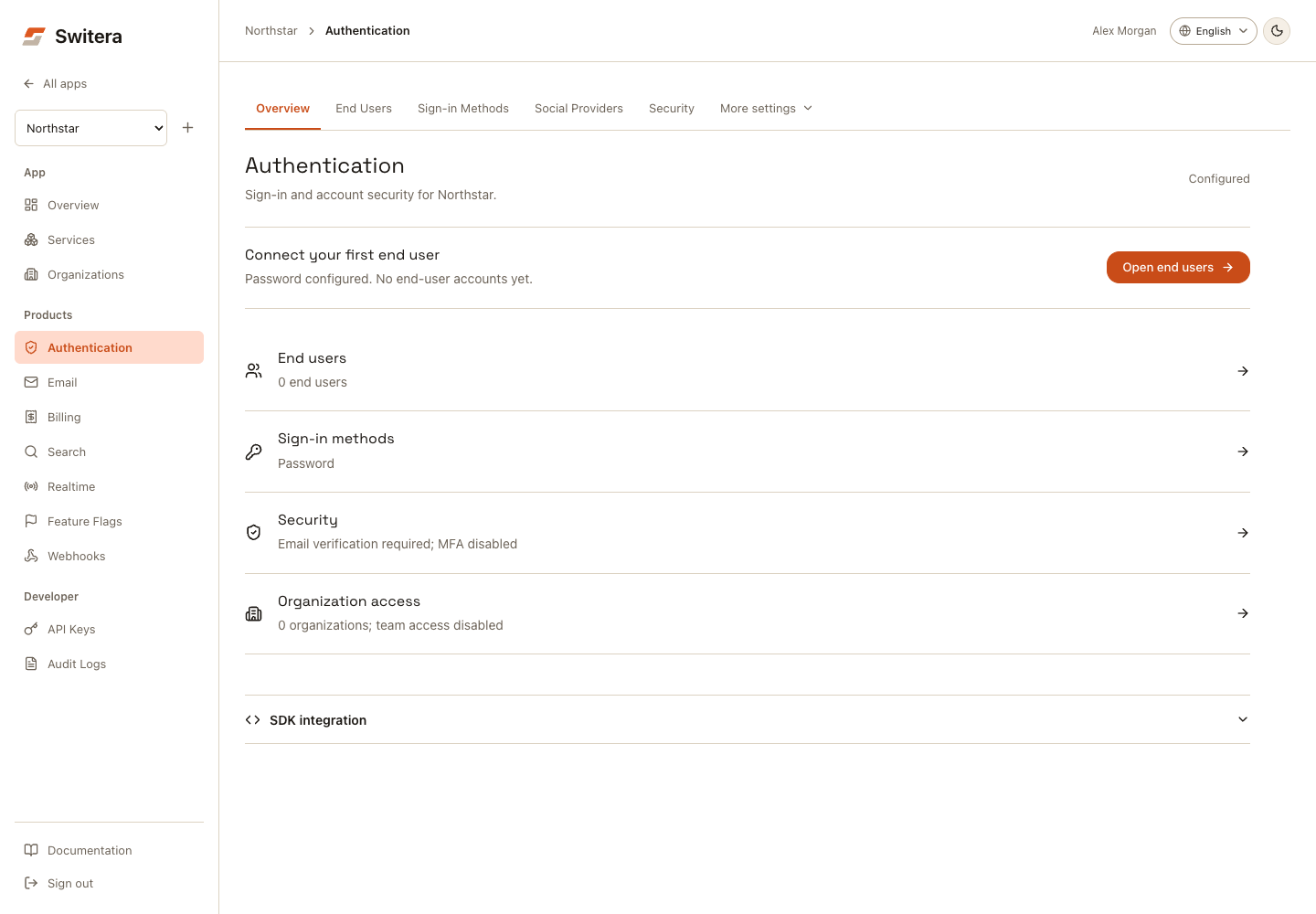
Auth sections
The overview shows Configured when at least one sign-in method is enabled. This includes social-only apps; it does not require an organization. Test the configured method in your app before treating sign-in as working. The end-user count includes individual accounts outside organizations.
Common sections are visible in the Auth navigation. More settings contains Branding, Organization Access, Enterprise SSO, Auth Hooks, Directory Sync, and Compliance. On mobile, use the Auth section selector.
| Tab | Use it for |
|---|---|
| Overview | Current Auth state, recommended next action, and core areas. |
| End Users | People who can sign in to the app. |
| Sign-in Methods | Password, email sign-in, magic links, passkeys, username, phone, and password policy. |
| Social Providers | Google, GitHub, Microsoft, Apple, and other provider-based login. |
| Enterprise SSO | SAML, OIDC, LDAP, and enterprise identity provider connections. |
| Security | MFA, session behavior, CAPTCHA, step-up authentication, and privileged sessions. |
| Branding | Hosted Auth appearance, logo, colors, message, and page copy. |
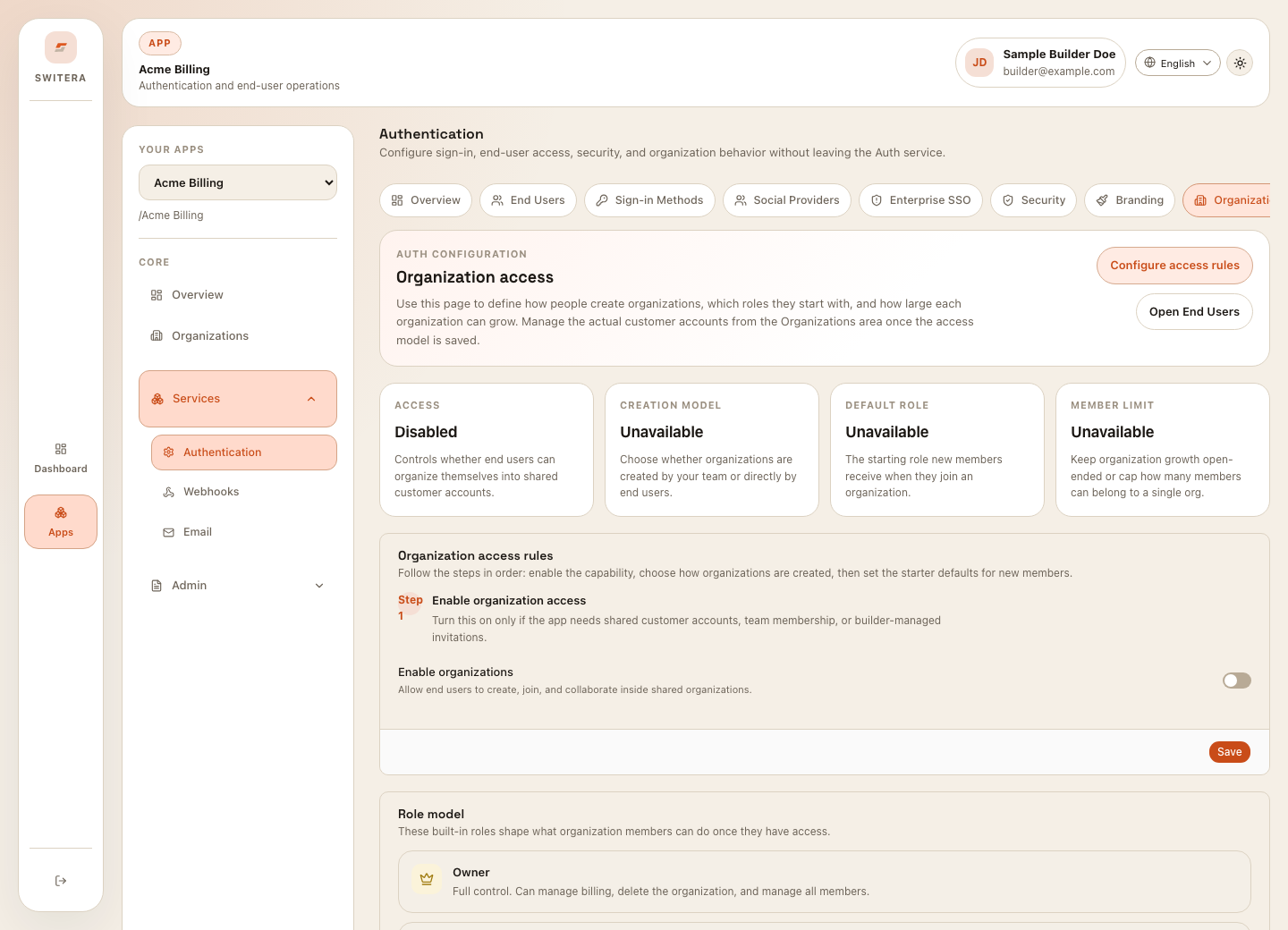
| Organization Access | Organization membership behavior, signup rules, and role model. |
| Auth Hooks | Synchronous hooks that inspect, block, or modify sensitive Auth flows. |
| Directory Sync | People, groups, and membership sync from enterprise directories. |
| Compliance | Terms, privacy policy, and consent requirements. |
Recommended first Auth setup
- Open Sign-in Methods.
- Enable one primary sign-in method.
- Keep email verification enabled for real users.
- Open Branding and add enough product identity for end users to trust the page.
- Open Compliance if sign-up requires terms or privacy consent.
- Sign in through your app with a test end-user account. Test an organization invitation too if the product uses teams.
- Check the resulting end-user account and session. Configuration alone does not prove the flow succeeded.
Generate integration recipes
Expand SDK integration on the Auth overview to find Integration recipes. Use it after the OAuth client exists and before wiring your app manually.
The panel generates:
.env.exampleentries for your selected stack- an app provider or token-introspection middleware snippet
- a protected page or API route snippet
Supported launch stacks are SvelteKit, Next.js, React, Vue, and Express API. The browser/framework snippets use public Auth settings only: Switera base URL, Connect client ID, app slug, and redirect URI. Secret app credentials stay on your backend and are not needed for hosted end-user login.
For Express API services, the generated snippet validates bearer tokens against Switera and protects a selected route. Pair that backend route with one of the browser/framework Auth SDKs in your frontend.
Auth is app-scoped
Changing Auth settings in one app does not configure another app. Always confirm the app name in the sidebar before changing sign-in methods, provider credentials, SSO, or security policy.
What to configure first
Use this order for most apps:
- Sign-in Methods so users can enter the app.
- Email so verification and recovery messages can be delivered.
- Branding so hosted Auth feels trustworthy.
- Organizations only when your product uses shared customer accounts or tenant-scoped services.
- Security so MFA and sessions match the risk level.
- Social Providers or Enterprise SSO when provider credentials are ready.
- Hooks or Directory Sync when backend or enterprise lifecycle automation is required.
When to add advanced controls
Add advanced controls when the app needs them:
- social login after provider credentials are ready
- SSO when selling to organizations that require identity provider login
- MFA when the app handles sensitive accounts or admin actions
- Auth Hooks when your backend must participate in login decisions
- directory sync when enterprise organizations expect automated user lifecycle management
Related pages: